Best photos and featured perspectives
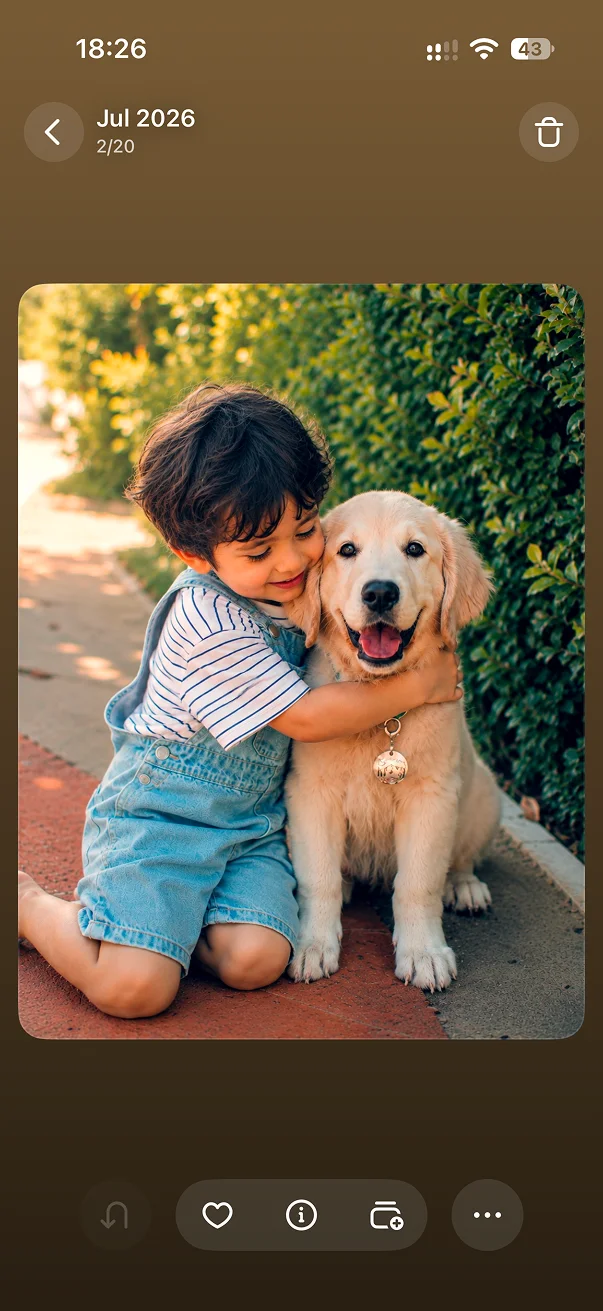
These labels usually point to stronger shots worth reviewing first. Compare the full frame before deciding what to keep.
Find similar shots, keep the best photos, and delete the rest after reviewing LessPhoto’s suggestions.
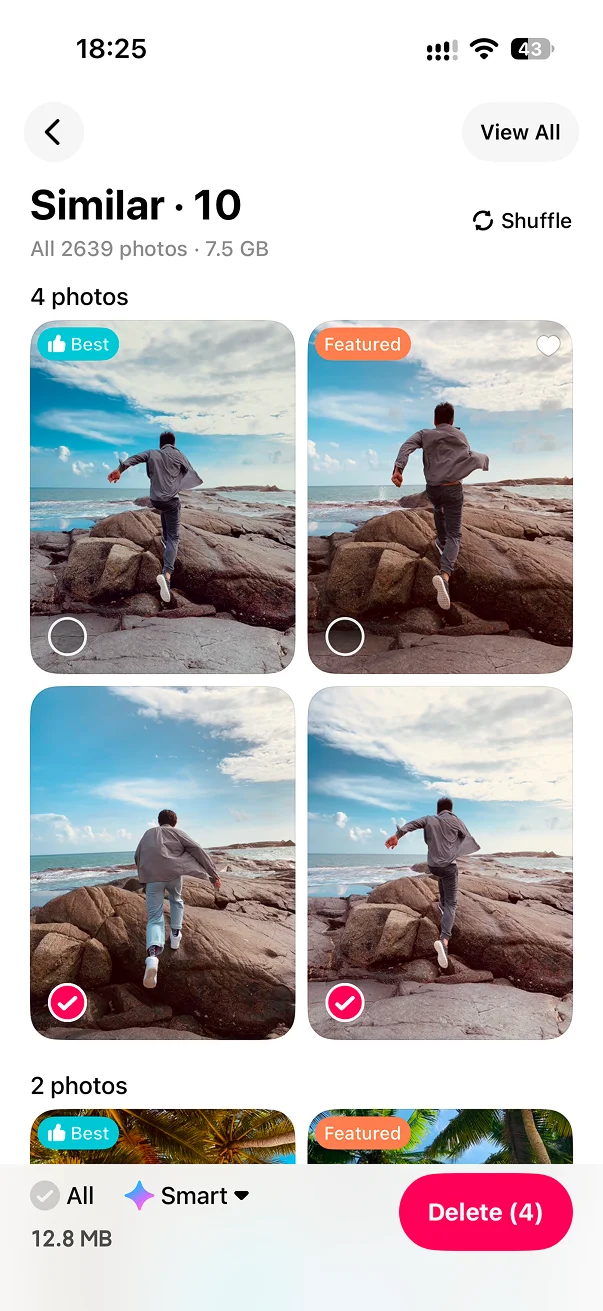
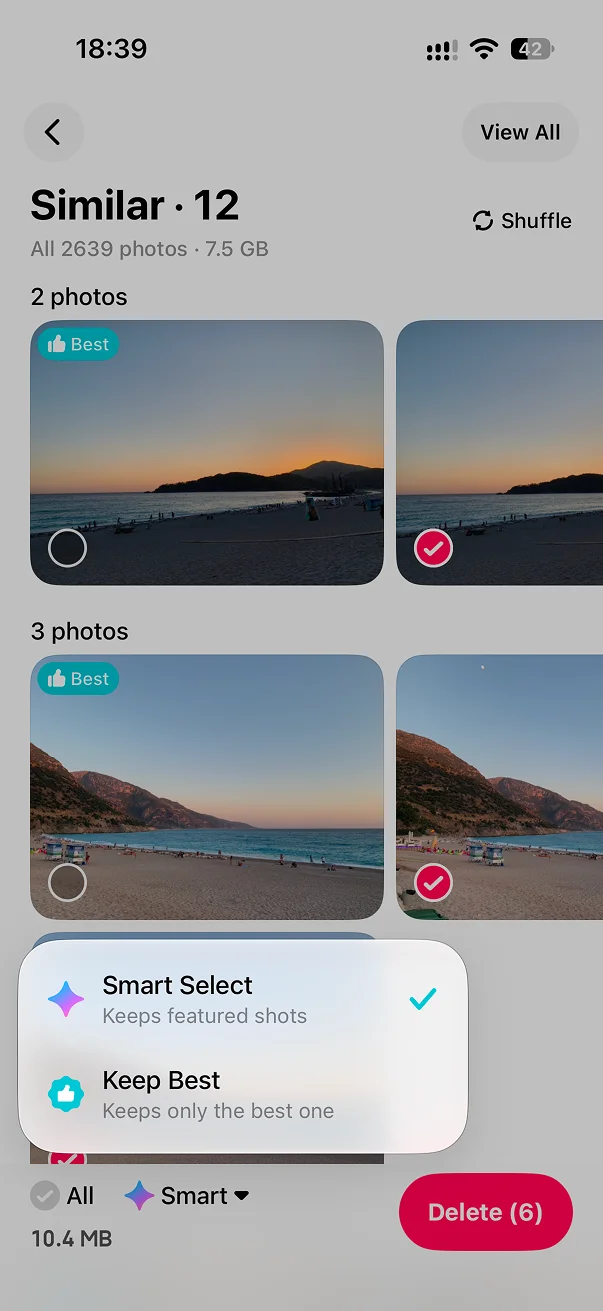
See bursts, retakes, and look-alike shots together.
View the full frame and compare photos marked Best or Featured first. They are usually worth a closer look.
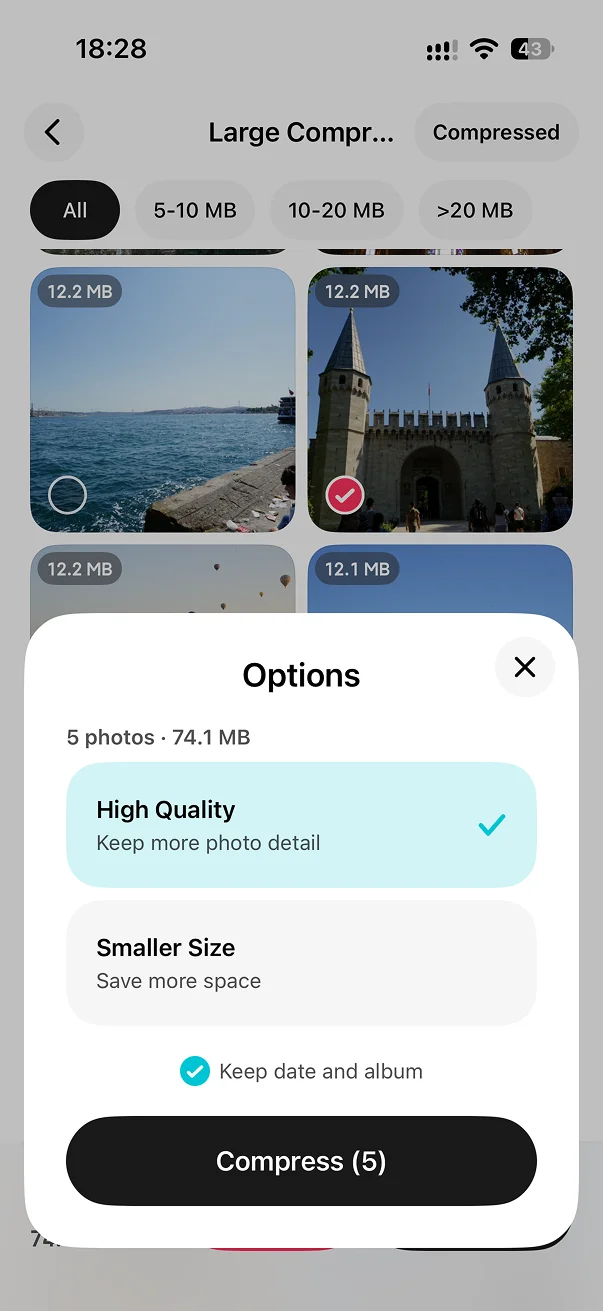
Change any selection, then confirm the current batch.
These labels usually point to stronger shots worth reviewing first. Compare the full frame before deciding what to keep.
Portrait, landscape, and square photos stay visually distinct while you compare them.
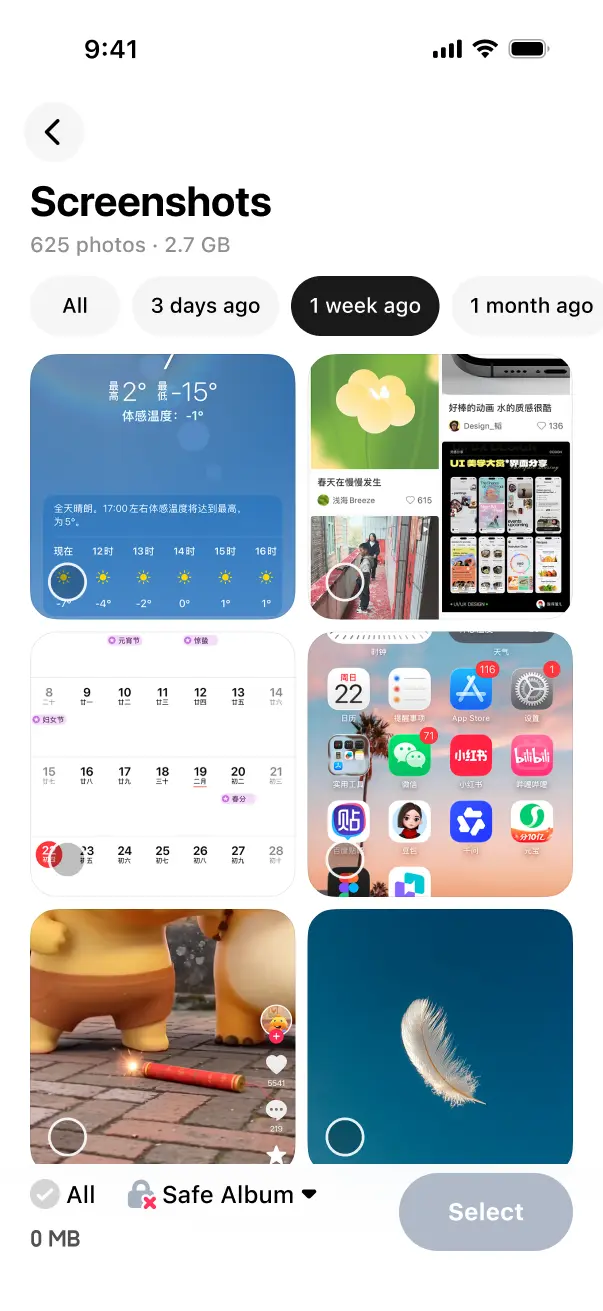
Review a fresh batch, open every similar group, or start filtering from a chosen point in time.
Kept photos are marked after cleanup so the same group does not keep reappearing.
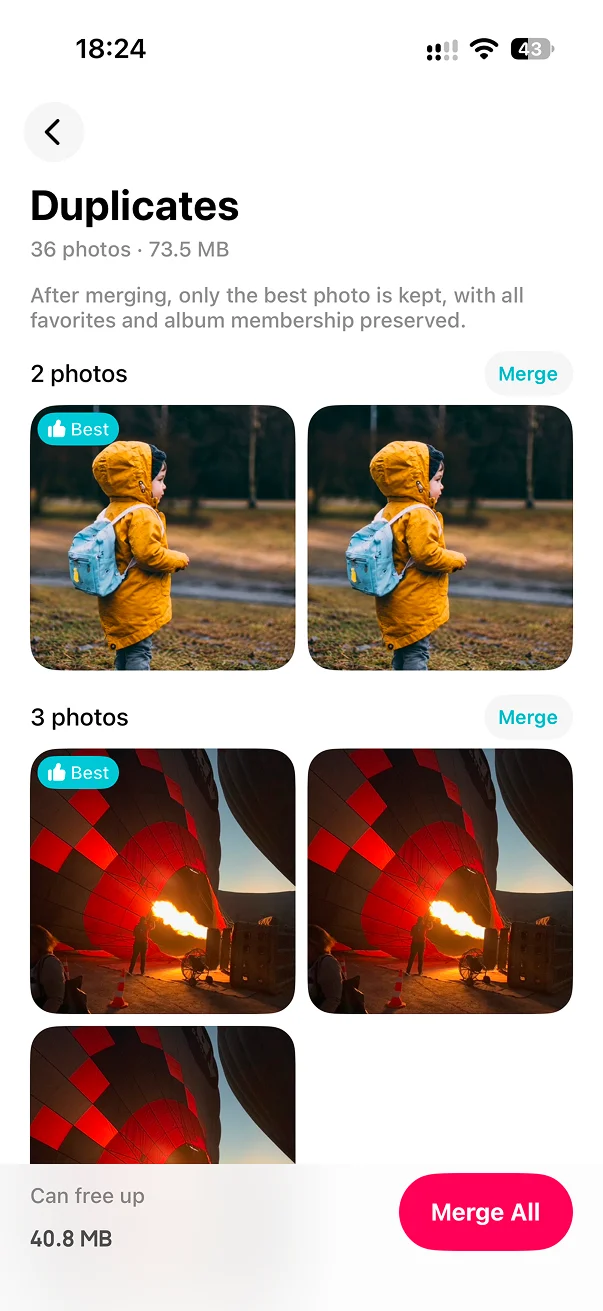
Duplicate photos are nearly identical copies and can usually be merged directly. Similar photos are separate shots of the same scene, with differences in framing, expression, focus, or clarity, so they should be compared before cleanup.
Learn about duplicate photos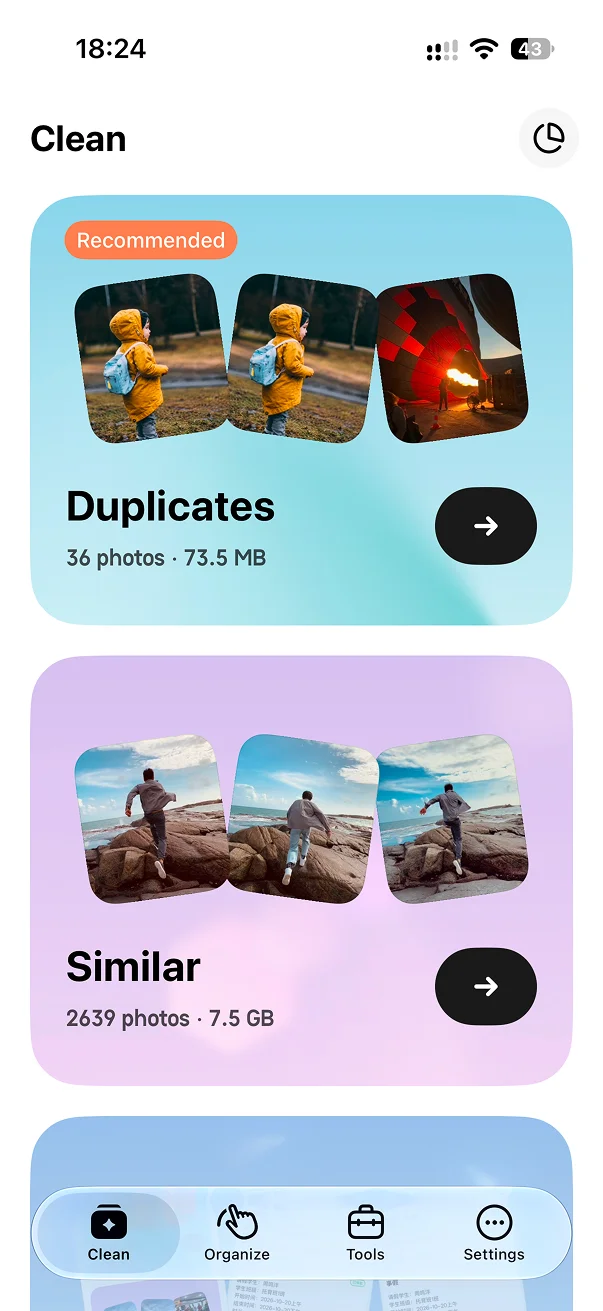
No. LessPhoto preselects redundant shots, but you can change the selection and must confirm cleanup.
Duplicates are matching files or images. Similar photos are separate shots that look alike, such as a short burst or repeated composition.
You can review the group in smaller, manageable decisions instead of approving one large automatic deletion.
No. Similar-photo analysis is performed on your iPhone.

See the framing, keep the right shot, and stay in control of every deletion.