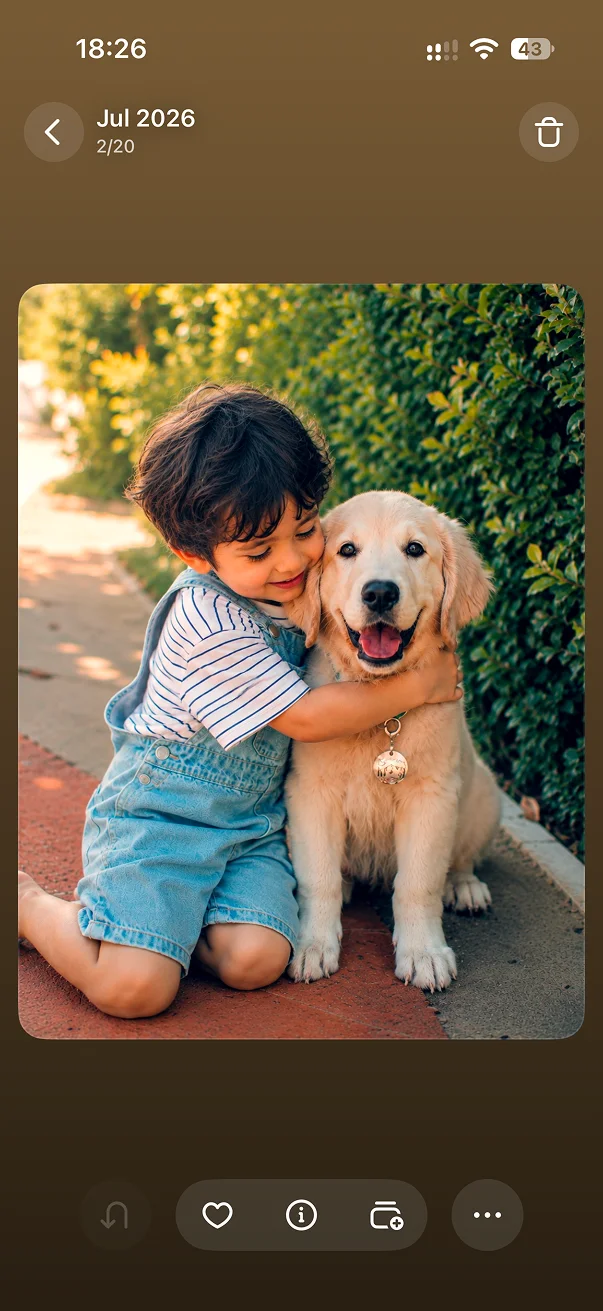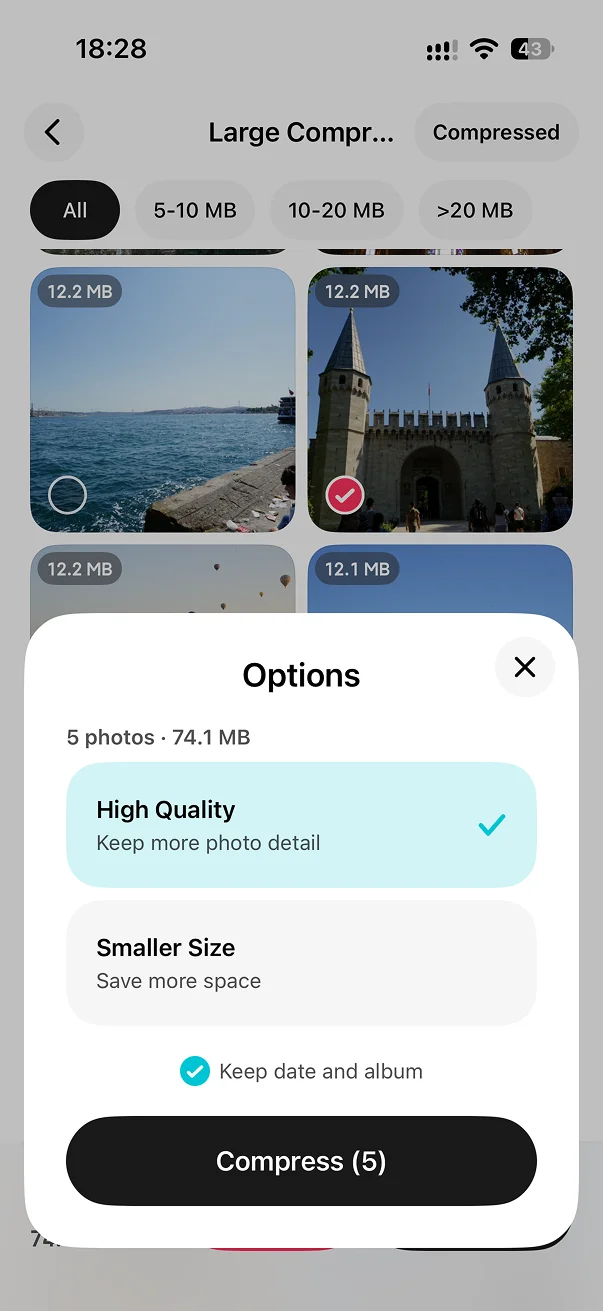
Smart Album Inheritance
Pioneered by LessPhoto, it moves albums and favorite status to the photo you keep.
Review duplicate groups or merge them all at once. LessPhoto keeps the best copy and carries over its albums and favorite status.
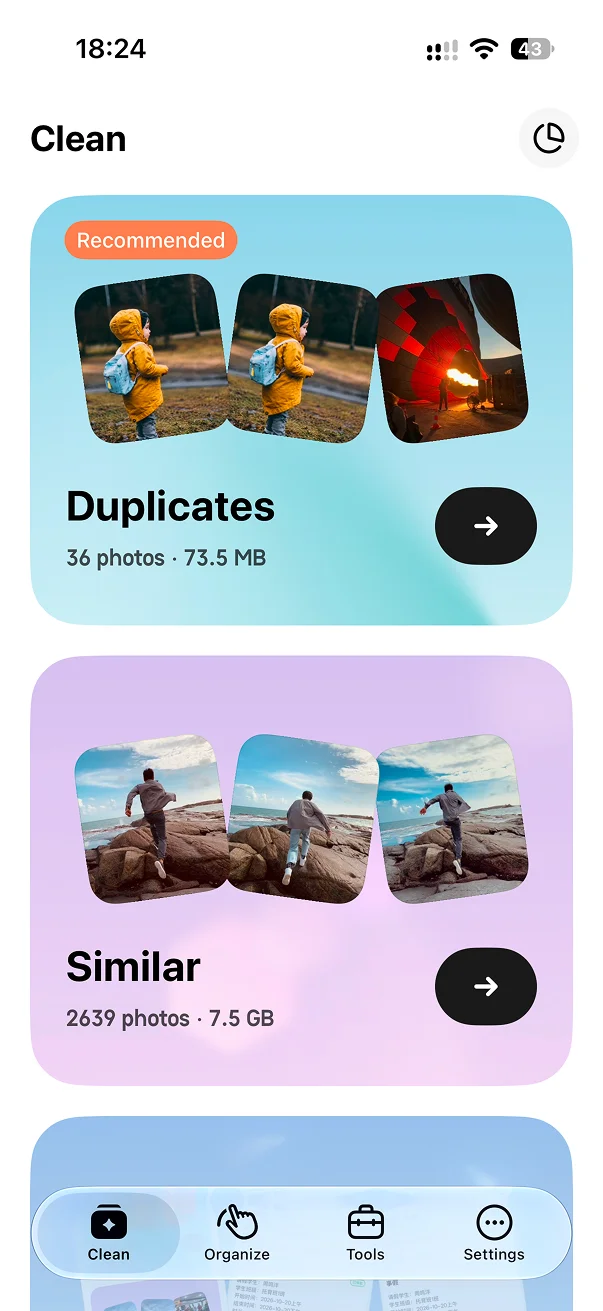
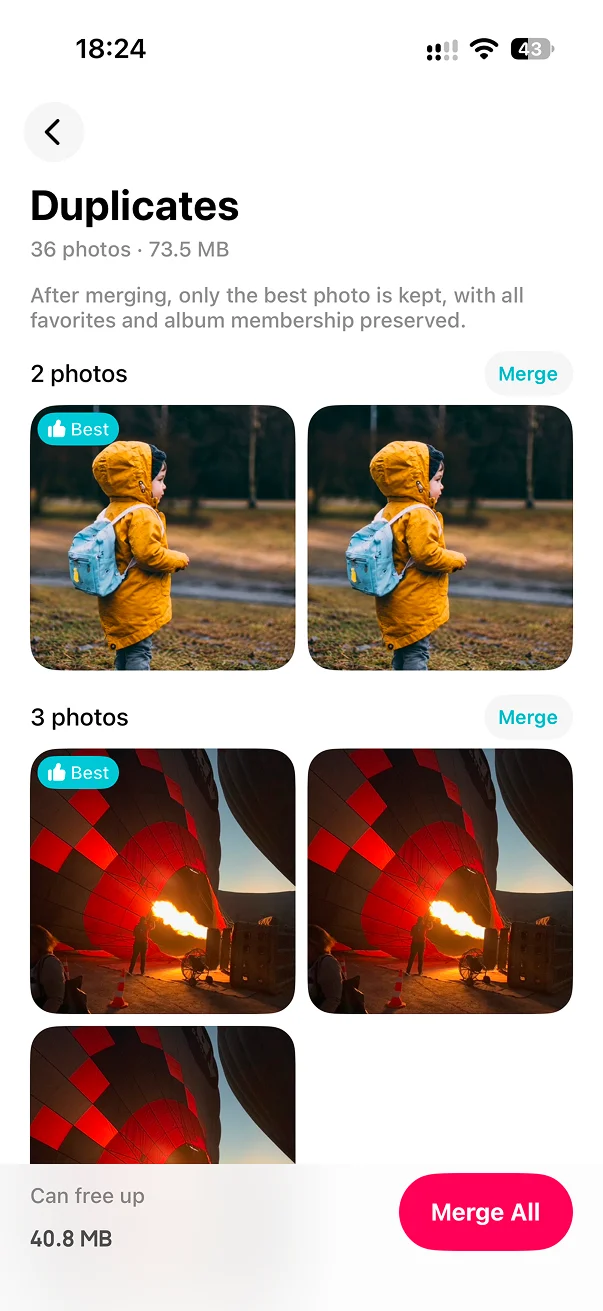
See matching photos grouped together.
Merge one group or every group at once.
Keep the better photo with its albums and favorite status.
Pioneered by LessPhoto, it moves albums and favorite status to the photo you keep.
Duplicate-photo cleanup is free forever.
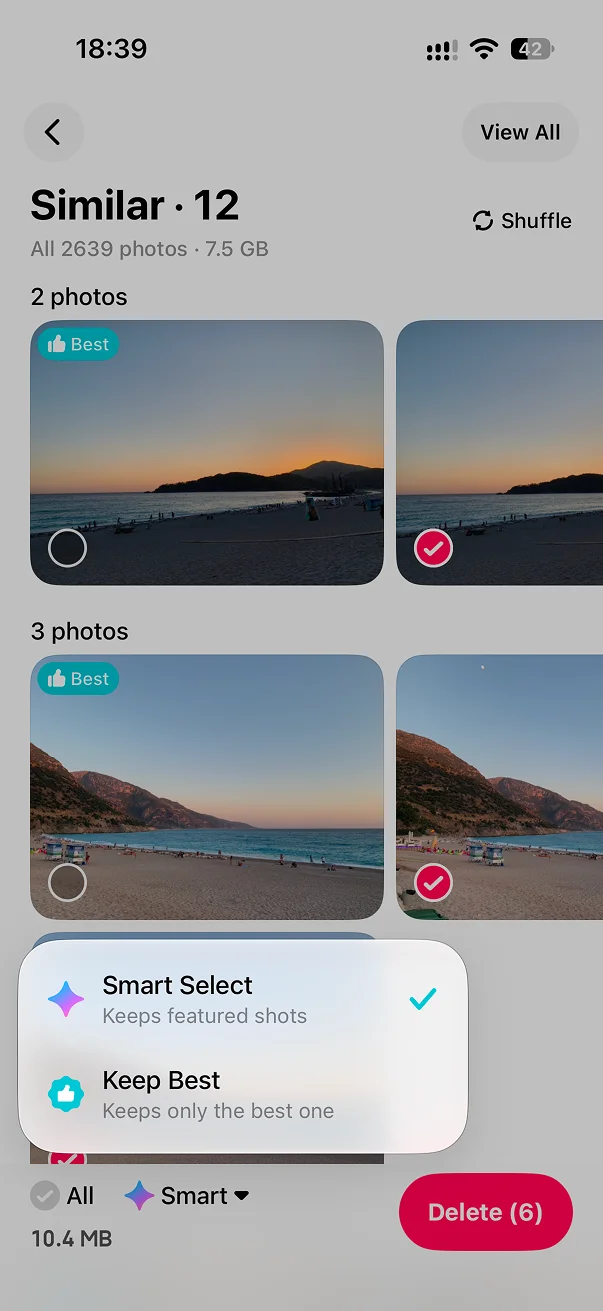
Duplicate photos are nearly identical copies and can usually be merged directly. Similar photos are separate shots of the same scene, with differences in framing, expression, focus, or clarity, so they should be compared before cleanup.
Learn about similar photos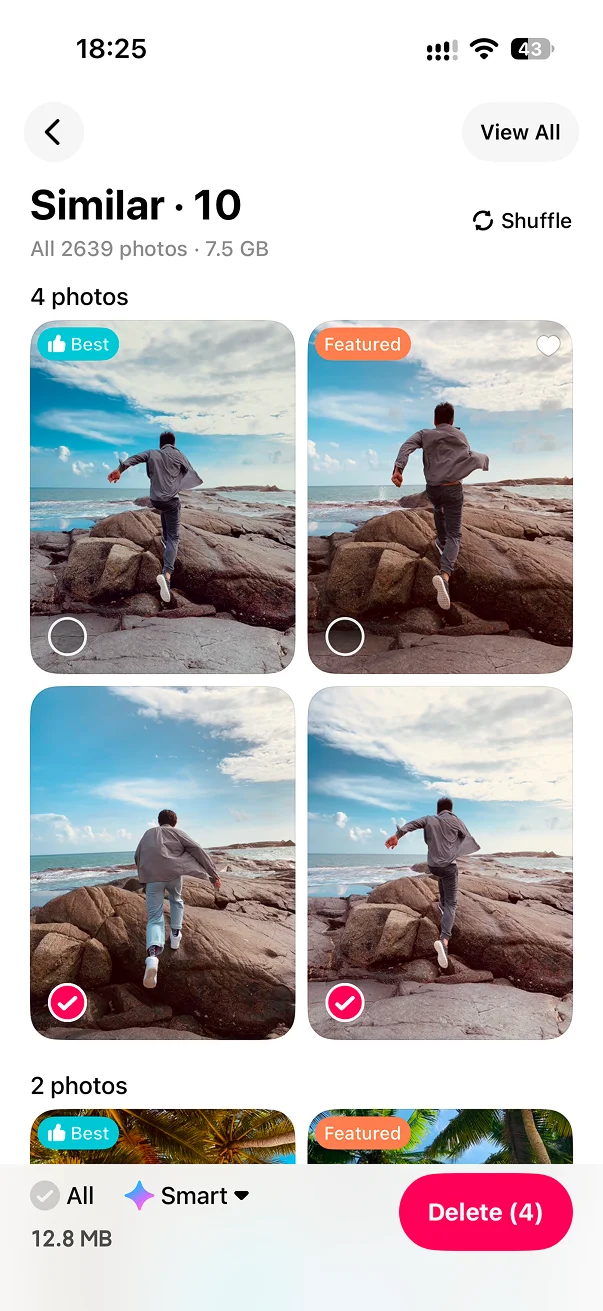
No. LessPhoto shows the detected groups and estimated savings before you choose Merge All.
Smart Album Inheritance transfers user-album membership and favorite status from removed copies to the kept photo.
Duplicate photos can be merged directly. Similar photos are separate shots whose framing, expression, or quality may differ, so they should be compared first.
No. Duplicate-photo analysis is performed on your iPhone.

Merge matching copies, recover space, then move on to the photos that need a closer look.