Continue where you stopped
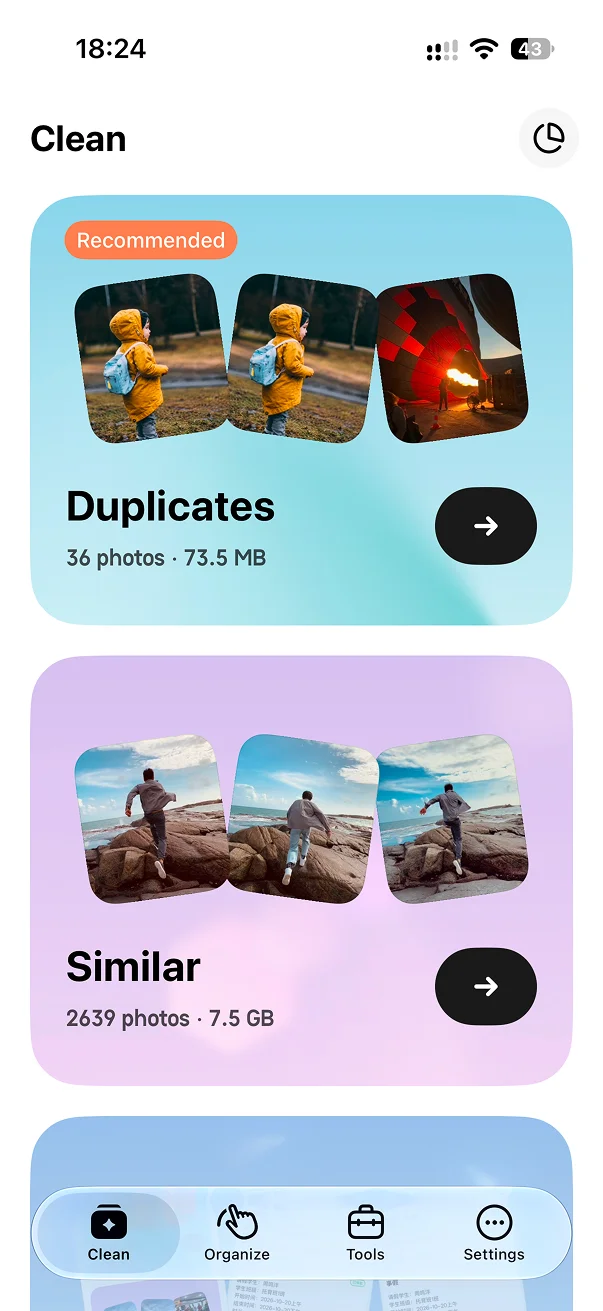
Monthly cleanup keeps your latest progress ready on the home screen.
Review photos by month or at random. Swipe unwanted shots to the trash, check the batch, then delete when you are ready.

Continue a month you were organizing or rediscover photos in a random batch.
Review one photo at a time and move unwanted shots into the trash.
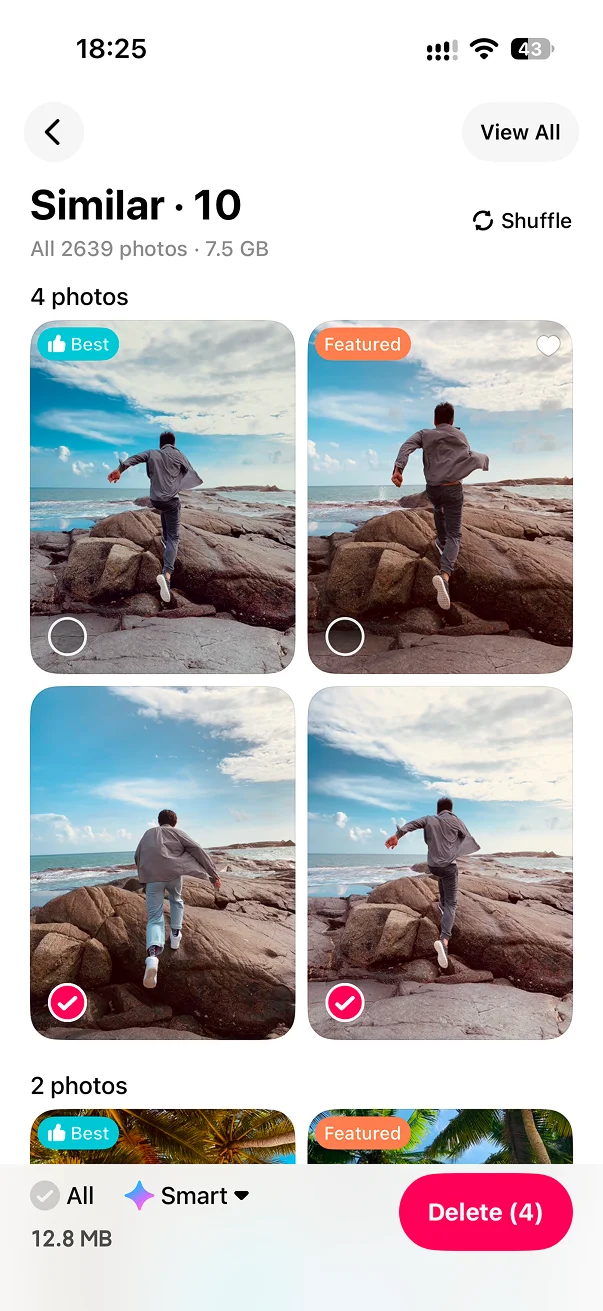
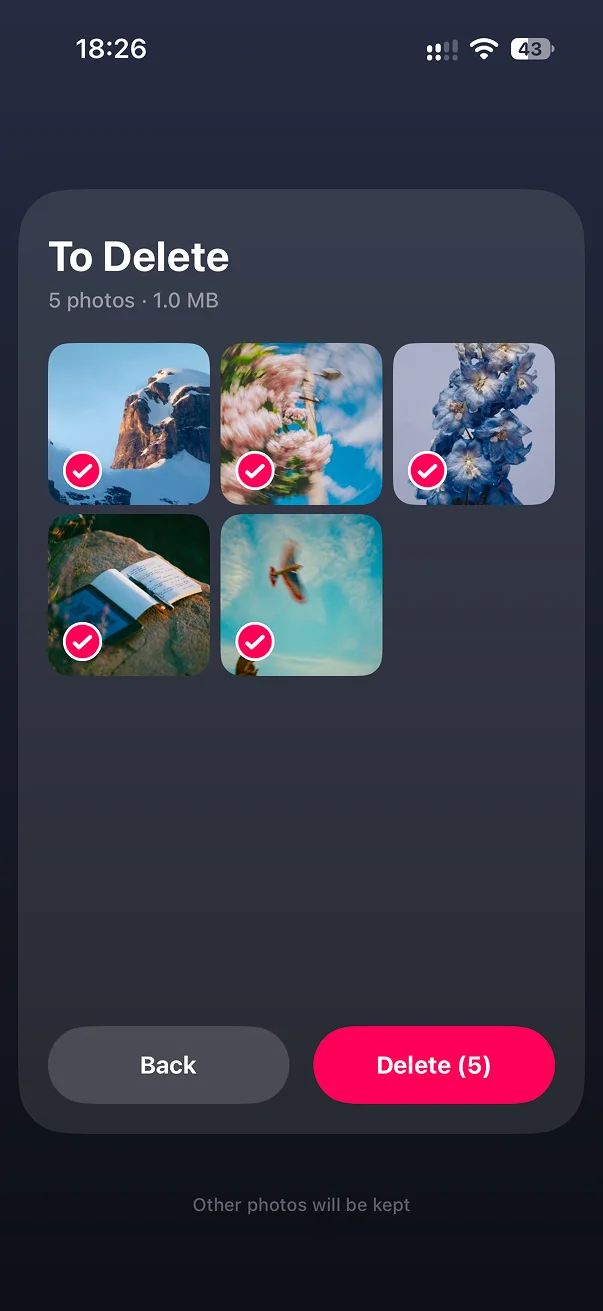
Review the pending deletions, then approve the batch when you are ready.
Monthly cleanup keeps your latest progress ready on the home screen.
Unexpected memories make cleanup feel less like a chore.
Add a photo to an album without leaving the swipe flow.
No. A swipe records your choice. You can review the selection before confirming deletion.
No. You can leave and continue later from your saved progress.
Yes. Review the selected photos before you approve the final cleanup.
Confirmed deletions follow your Apple Photos library settings and may sync to other devices.

Swipe a little now, continue later, and only delete when you are ready.